RAID Explained for Modern Infrastructure: From Bare Metal to VM Hosts
Why this topic still matters
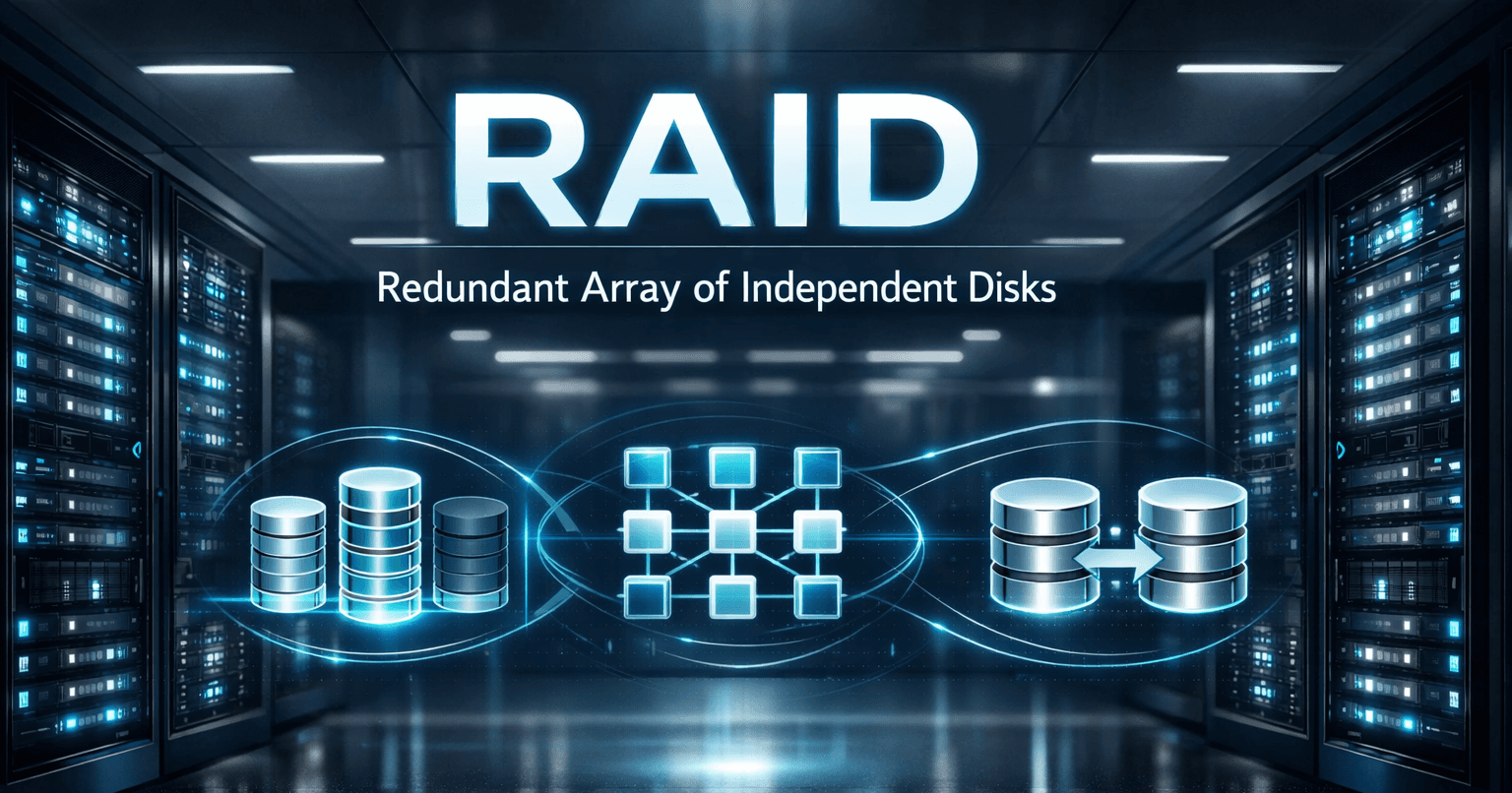
RAID has been around for decades, but it is still one of the most practical storage design decisions you will make in real infrastructure. Whether you are planning a small application server, a NAS, a database box, or a virtualization host running multiple VMs, the RAID level you choose directly affects:
performance
usable storage capacity
fault tolerance
rebuild risk
operational downtime
The basic textbook definition is simple: RAID combines multiple disks into a single logical unit to improve speed, resilience, or both. But in real systems, the right answer is not “use the safest RAID.” The right answer is match the RAID level to the workload.
What RAID actually does
At a high level, RAID distributes data across multiple drives using one or more of these techniques:
Striping: data is spread across disks to improve performance
Mirroring: the same data is written to more than one disk for redundancy
Parity: extra calculated information is stored so lost data can be rebuilt after a disk failure
That sounds abstract, so think of it this way:
RAID 0 = speed first
RAID 1 = safety through duplication (entire mirring)
RAID 5 / 6 = balance of capacity and protection using parity
RAID 10 = striping + mirroring for strong performance and resilience
RAID is not the same as backup
This is one of the most common mistakes in infrastructure planning.
RAID helps you stay online when a disk fails. It does not protect you from:
accidental deletion
file corruption
ransomware
bad application writes
VM snapshot mistakes
site-level failure
controller failure in some scenarios
human error
The four things that matter when evaluating RAID
Before looking at individual RAID levels, evaluate them through these four lenses.
1. Reliability
How many disk failures can the array tolerate before data is lost?
2. Performance
How well does it handle:
sequential reads and writes
random reads and writes
mixed workloads
rebuild activity
3. Capacity
How much of the raw disk space is usable after redundancy overhead?
4. Recovery behavior
How painful is the rebuild after a failed drive? Large arrays with parity can remain online, but rebuild times may be long and performance may drop sharply during recovery.
RAID levels in plain English
RAID 0 — Maximum speed, zero protection
How it works: data is striped across multiple disks with no mirror and no parity.
Strengths
highest raw performance
full usable capacity
simple design
Weaknesses
one failed disk can destroy the whole array
not suitable for critical systems
Good fit
temporary scratch storage
cache or render workspace
non-critical high-speed data
Bad fit
production databases
important application data
VM hosts
RAID 1 — Simple mirroring
How it works: every block is duplicated to another disk.
Strengths
easy to understand and manage
very fast recovery after failure
strong protection for small deployments
often good for boot volumes and small critical servers
Weaknesses
only 50% usable capacity
write performance is not the main advantage
storage cost is high per usable TB
Good fit
OS volumes
small business servers
log servers
low-complexity critical data
RAID 5 — Capacity-efficient parity
How it works: data is striped across disks and parity is distributed among them. The array can survive one disk failure.
Strengths
good balance of capacity and resilience
better capacity efficiency than RAID 1 or RAID 10
common in general-purpose storage
Weaknesses
parity calculations slow writes
rebuilds can be stressful on large arrays
performance may drop badly during degraded mode
a second failure during rebuild can be catastrophic
Good fit
read-heavy workloads
file storage
environments where capacity matters more than write latency
Use carefully for
general VM workloads
mixed application stacks
larger disks where rebuild windows are long
RAID 6 — Safer parity for larger arrays
How it works: similar to RAID 5, but stores double distributed parity and can survive two disk failures.
Strengths
stronger protection than RAID 5
useful for larger disk pools
better choice when rebuild risk is a concern
Weaknesses
more parity overhead than RAID 5
slower writes than RAID 5 and RAID 10
usable capacity is reduced further
Good fit
large-capacity storage arrays
backup repositories
archive and file-serving systems
environments where availability matters more than peak write speed
RAID 10 — The practical favorite for performance-sensitive systems
How it works: mirrored pairs are created first, then data is striped across those pairs.
Strengths
excellent random read and write performance
strong fit for database and transactional workloads
faster rebuild behavior than parity-heavy arrays
widely preferred for virtualization and latency-sensitive workloads
Weaknesses
50% capacity overhead
more expensive than RAID 5 or 6
requires at least 4 disks
Good fit
databases
high-write applications
busy VM hosts
mixed production infrastructure
RAID comparison table
| RAID Level | Min Disks | Fault Tolerance | Usable Capacity | Performance Profile | Best For |
|---|---|---|---|---|---|
| RAID 0 | 2 | 0 disks | 100% | Excellent reads/writes | Scratch, temporary data |
| RAID 1 | 2 | 1 disk per mirror pair | 50% | Strong reads, simple recovery | OS volumes, small critical servers |
| RAID 5 | 3 | 1 disk | (N-1) disks | Good reads, slower writes | Read-heavy storage, general file data |
| RAID 6 | 4 | 2 disks | (N-2) disks | Good reads, slower writes than RAID 5 | Large arrays, backups, safer parity |
| RAID 10 | 4 | Depends on mirror-pair failures | 50% | Excellent mixed I/O | Databases, production apps, VM hosts |
Why RAID decisions matter even more for VM hosts
This is the part many introductory articles skip.
A physical server usually runs one operating system and one main workload. A virtualization host is different. It stacks many workloads on the same storage backend:
web servers
databases
file servers
application servers
monitoring tools
backup proxies
domain controllers
That means one storage issue can affect many VMs at once.
What changes when you run VMs?
1. Random I/O becomes more important
Even if each guest is small, many VMs together create a noisy mixed workload. Random reads and writes, bursty writes, metadata activity, guest paging, and application logs all pile onto the same datastore.
That is why a RAID level that looks “fine on paper” may feel slow in a VM host.
2. Latency matters more than headline throughput
For virtualization, low latency often matters more than peak MB/s. A parity-based array might have enough raw bandwidth, but still feel sluggish under write-heavy or mixed I/O.
3. Rebuild periods are more painful
When a parity array rebuilds, the whole storage pool stays busy. On a virtualization host, that means many VMs can experience degraded performance at the same time.
4. Snapshots and dynamic growth add overhead
Snapshots, differencing disks, and dynamically growing virtual disks can increase metadata work and I/O overhead. In busy hosts, these layers magnify storage bottlenecks.
Practical RAID guidance for VM environments
RAID 10 is usually the safest performance choice
If your host runs:
databases
ERP or CRM systems
application servers
mixed business VMs / NMS
write-heavy workloads
then RAID 10 is usually the cleanest answer. It trades capacity for lower write penalty, better random I/O, and simpler rebuild behavior.
RAID 5 can work, but know the trade-off
RAID 5 may still be acceptable when:
the environment is small
workloads are mostly read-heavy
capacity budget matters more than peak write performance
controller cache and SSD performance are strong
But it is often not the first choice for busy, multi-VM production hosts.
RAID 6 is stronger for bigger pools
If you are working with larger capacity drives or bigger arrays and want better protection during rebuilds, RAID 6 is safer than RAID 5. The trade-off is heavier write overhead.
RAID 1 is fine for small hosts or boot volumes
A small two-disk mirror can still be perfectly reasonable for:
hypervisor boot drives
labs
edge systems
lightweight branch deployments
RAID 0 should not be used for production VM datastores
The performance looks attractive, but the blast radius is too high. One disk failure can take down every VM on that datastore.
VM-specific best practices beyond RAID level
The RAID level is only one part of the answer. For VM infrastructure, also pay attention to the storage stack above it.
Use the right virtual disk/controller format
For Hyper-V environments, Microsoft recommends:
SCSI for non-OS disks
VHDX instead of VHD on modern deployments
fixed VHDX when you need the best resiliency and performance
Keep snapshot chains short
Long snapshot or differencing chains add lookup overhead and can hurt performance, especially for I/O-intensive VMs.
Use storage QoS where available
In shared environments, one “noisy neighbor” VM can consume disproportionate I/O. Storage QoS helps isolate workloads and preserve consistency.
Watch alignment, sector size and block sizing
Poor alignment or mismatched sector assumptions can quietly damage storage performance. This is especially important in virtual disk layers.
Separate workload tiers when possible
If budget allows, separate:
boot volumes
production VM datastores
backup targets
archive workloads
Not every workload needs the same RAID level.
Recommended RAID choices by use case
| Scenario | Recommended RAID | Why |
|---|---|---|
| Hypervisor boot volume | RAID 1 | Simple, resilient, cost-effective |
| Small lab VM host | RAID 1 or RAID 10 | Enough protection with low complexity |
| Busy production VM host | RAID 10 | Best overall mixed I/O behavior |
| General-purpose file server | RAID 5 or RAID 6 | Better usable capacity |
| Large backup repository | RAID 6 | Better protection for large arrays |
| Database server | RAID 10 | Strong random write performance |
| Temporary processing / scratch | RAID 0 | Only if data loss is acceptable |
A simple decision framework
If you are unsure, use this logic:
Choose RAID 10 when:
performance matters
workloads are mixed or write-heavy
VMs are important
rebuild risk needs to be minimized
Choose RAID 5 when:
capacity efficiency matters
workloads are more read-heavy
the environment is not extremely latency-sensitive
Choose RAID 6 when:
disks are large
rebuild risk worries you
the array stores important bulk data
you can tolerate slower writes
Choose RAID 1 when:
simplicity matters
the setup is small
you need a reliable mirror
Avoid RAID 0 when:
- the data matters at all
Final takeaway
RAID is not just a storage chapter from a DBMS textbook. It is a live infrastructure decision that affects reliability, performance, and recovery behavior.
For modern systems, the best RAID choice depends on the workload:
RAID 0 for speed-only temporary data
RAID 1 for simple redundancy
RAID 5 for balanced capacity in lighter workloads
RAID 6 for larger, safer parity arrays
RAID 10 for performance-sensitive and VM-heavy production systems
If your environment runs multiple virtual machines, do not judge RAID only by raw capacity. Judge it by latency, rebuild behavior, and the number of workloads sharing the same backend.
That is usually where the real answer becomes clear.
References
VMware: vSphere 9.0 Performance Best Practices
Microsoft Learn: Hyper-V storage I/O performance